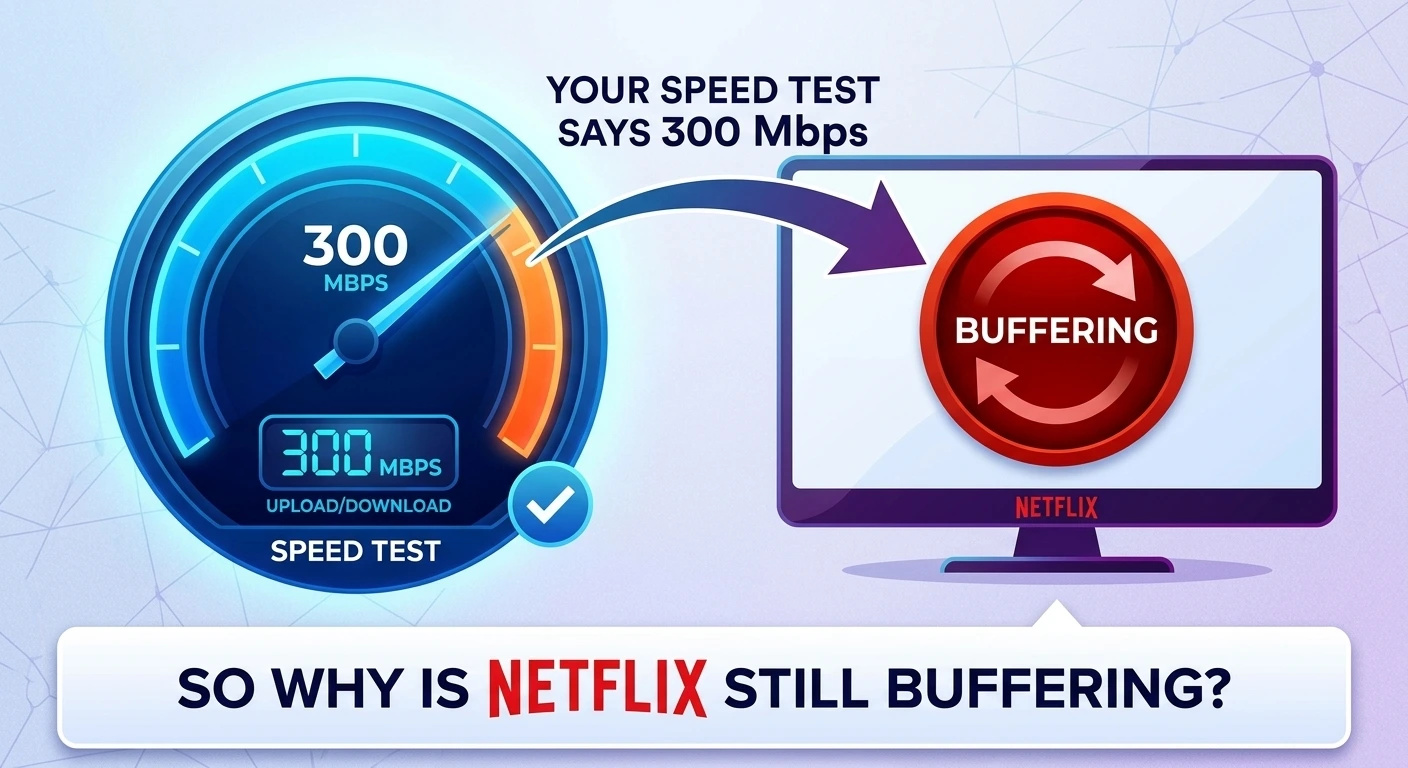
You run a speed test. The needle swings up, lands on a big healthy number, and for a second you feel better. Then you go back to the couch and the show freezes again, right at the good part.
So which one is lying, the speed test or the TV?
Neither, as it turns out. A speed test tells you something true but narrow. If you’ve ever typed “why is my internet so slow” into Google while your plan says otherwise, this is for you. Let’s go through what those numbers mean and where the slowdown is usually hiding.
What a speed test actually measures
A speed test checks how fast data moves between one device and one nearby server at one moment. That’s it. Run it on your phone next to the router at 10 a.m. and you’ll get a great result. That says very little about the smart TV at the far end of the house at 8 p.m., when everyone in the neighborhood is streaming.
You’ll usually see three numbers:
- Download: how fast things come to you. This is what streaming and browsing use.
- Upload: how fast things leave you. Video calls, backups and posting videos depend on this one.
- Ping (or latency): how long a signal takes to make the round trip, in milliseconds. Lower is better, and it matters most for gaming and calls.
Most people only look at download. The other two cause plenty of the “it feels slow” complaints.
Mbps is not megabytes
This trips up nearly everyone. Internet plans are sold in megabits per second (Mbps). File sizes are shown in megabytes (MB). There are 8 bits in a byte, so a 300 Mbps connection downloads at about 37.5 megabytes per second at best.
Nothing is wrong with your connection if a download shows “35 MB/s” on a 300 Mbps plan. That’s the plan doing what it promised.
So how much speed do you really need?
Probably less than you’re paying for. Netflix recommends about 5 Mbps for HD and 15 Mbps for 4K, per stream. Even a busy house with a couple of 4K streams, a video call and a few phones is using a fraction of a 300 Mbps plan.
For reference, the FCC’s current benchmark for broadband in the US is 100 Mbps download and 20 Mbps upload. If your plan is at or above that and things still feel slow, speed probably isn’t your problem. Something between the router and your screen is.
The usual suspects
Here’s where the trouble tends to be, roughly in order of how often it’s the cause.
Your Wi-Fi, not your internet. These are two different things. The internet comes into your house through the modem. Wi-Fi is how it gets from the router to your devices, and it weakens with distance, walls, floors and interference. A fast plan with weak Wi-Fi feels like a slow plan.
Where the router sits. Routers get shoved in closets, behind TVs and in basement corners. Wi-Fi spreads outward, so the best spot is central, out in the open and up off the floor. Moving it a few feet can make a real difference.
The wrong band. Most routers broadcast on 2.4 GHz and 5 GHz. The 2.4 band reaches farther but is slower and more crowded. The 5 band is faster but doesn’t travel as far. If your TV is near the router and connected to 2.4, switching it to 5 can clear things up right away.
An old router. If your router is more than five or six years old, it may not be able to deliver the speed you’re paying for, especially with lots of devices connected. This goes double for the rented one from your provider that’s been blinking away since you moved in.
Rush hour. Speeds often dip in the evening when the whole neighborhood is online. If your connection is fine at noon and miserable at 8 p.m., that’s congestion on your provider’s side.
Too much going on at once. A game console downloading a huge update, a laptop backing up to the cloud, a security camera uploading video. Any of these can hog the connection in the background while you wonder why the show keeps pausing.
Low upload speed. Many cable plans have fast downloads and much slower uploads. If your video calls freeze but Netflix is fine, check that upload number.
The device itself. An older phone, laptop or streaming stick may simply not be capable of high Wi-Fi speeds. If one device is slow and the rest are fine, there’s your answer.
How to test it properly
One speed test on your phone won’t tell you much. Try this instead.
First, plug a laptop straight into the router with an Ethernet cable and run a test. This shows what’s actually arriving at your house, with Wi-Fi out of the picture.
Next, run the same test over Wi-Fi in the room where you have problems. If the wired number is good and the Wi-Fi number is poor, the issue is inside your home.
Then test again in the evening. A big drop at peak times points at your provider.
Use more than one tool, too. Speedtest by Ookla and Fast.com are both free, and you can also just search “speed test” on Google and run one from the results page.
Fixes worth trying, cheapest first
Restart the modem and router. Unplug both for 30 seconds. It’s a cliche because it works more often than it should.
Move the router somewhere central and open. Free, and often the biggest improvement.
Connect anything that doesn’t move, like a TV or a game console, with an Ethernet cable if you can. Wired is faster and steadier than Wi-Fi.
Put nearby devices on the 5 GHz band and leave 2.4 for things farther away.
If the house is large or has thick walls, a mesh Wi-Fi system covers dead spots far better than a single router.
And if a wired test next to the router comes in well under what you pay for, call your provider. That one’s on them, and you’re entitled to ask them to fix it.
Before you upgrade your plan
When the internet feels slow, the first instinct is to pay for a faster plan. Providers are very happy to help with that. But if the real problem is a router in a closet or a TV on the wrong band, a faster plan won’t change a thing.
Run the tests above first. You may find the connection you already have is plenty, once it can actually reach you.